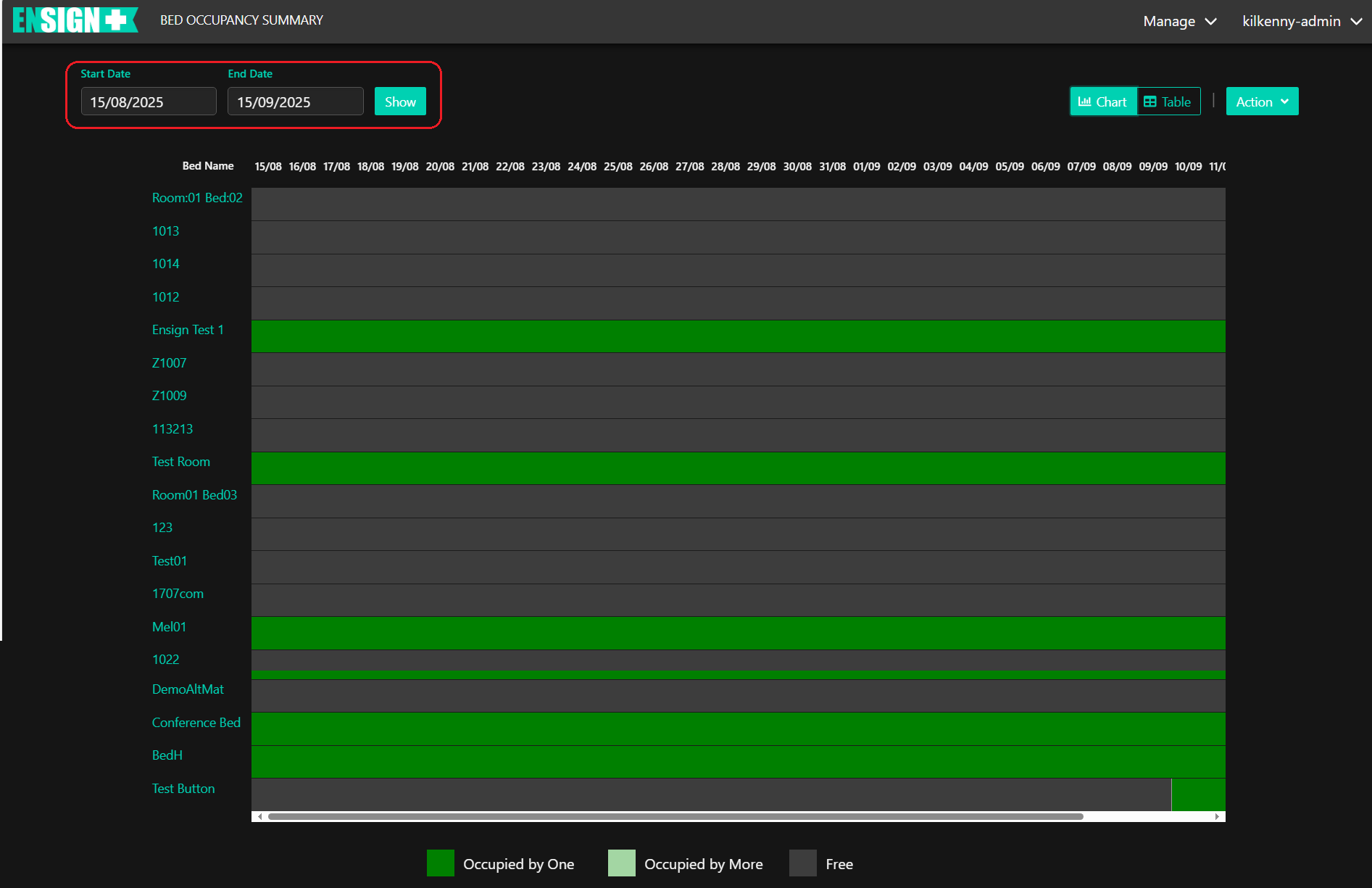
Clicking on Bed Summary will display the following page:
This chart lists every BSP and indicates whether their bed is occupied, and if so for how long. To select a specific time range click on the Start Date / Time and End Date / Time boxes in the upper left of the display (circled above).
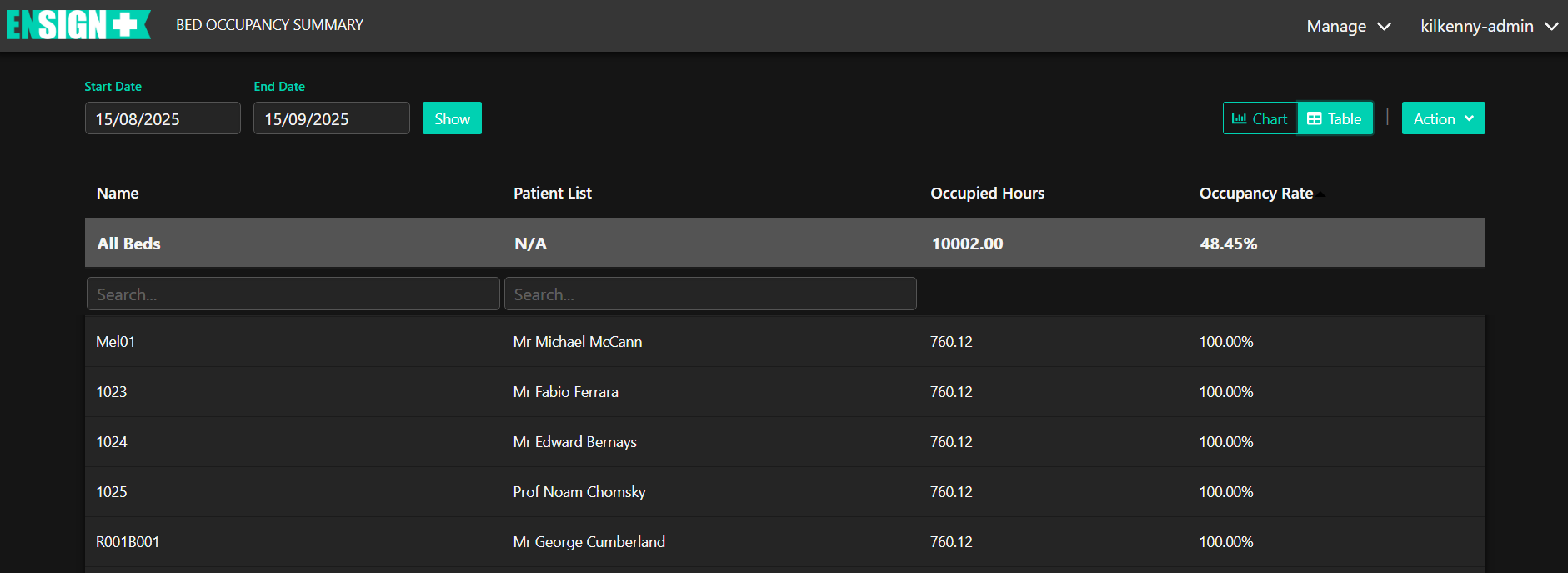
Clicking on this button will switch the display from a chart to a table listing.
The Search input boxes allow the user to search for any specific client by Bed or Client Name.
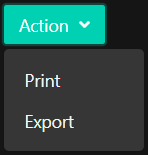
Clicking the Action button provides an option to Print the chart or table and export it as a pdf file.