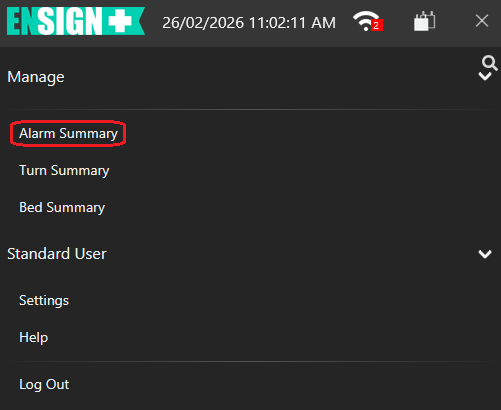
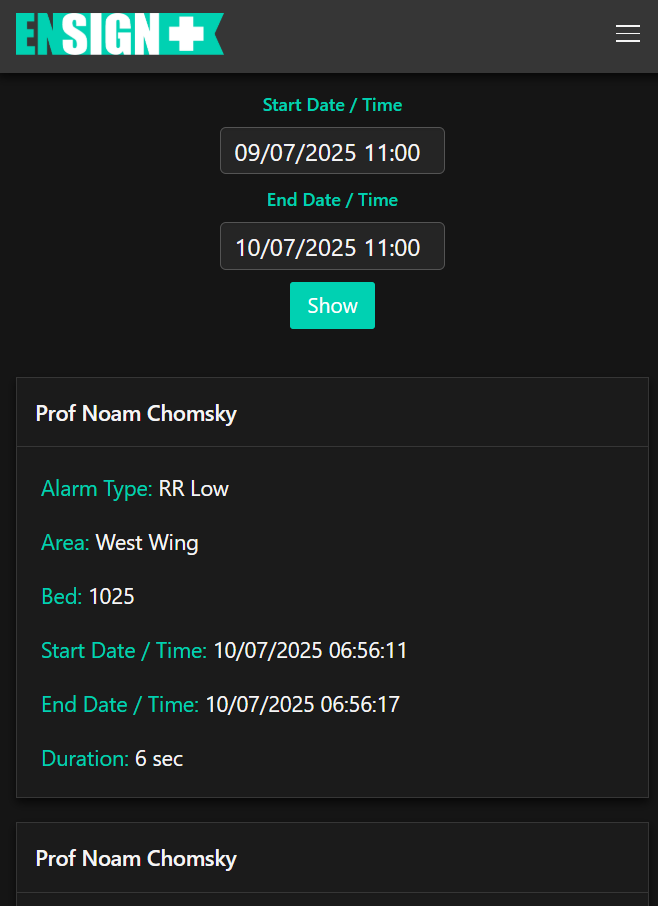
Tapping on Alarm Summary (circled) will display the following page:
This page displays a list of all Ensign pad alarms that have previously activated. This list is is sorted by the Start Date / Time. Each Alarm Summary displays the following information:
Alarm Type displays the type of alarm (refer to section 3.2 for all possible alarm types.)
Area displays which area in the facility the alarm occurred.
Bed displays which bed the alarm occurred in.
Start Date / Time displays the time and date the alarm activated. All times are listed in 24 hour time.
End Date / Time displays the time and date the alarm deactivated. All times are listed in 24 hour time.
Duration displays how long the alarm was active for.
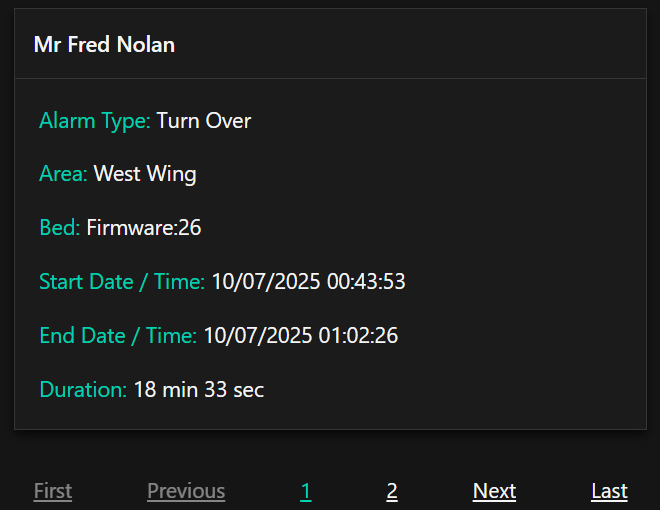
Up to 20 alarms are displayed per page. To view previous alarms, scroll to the bottom of the page and tap previous page numbers, the Next button for the next page or the Last page for the oldest alarms.