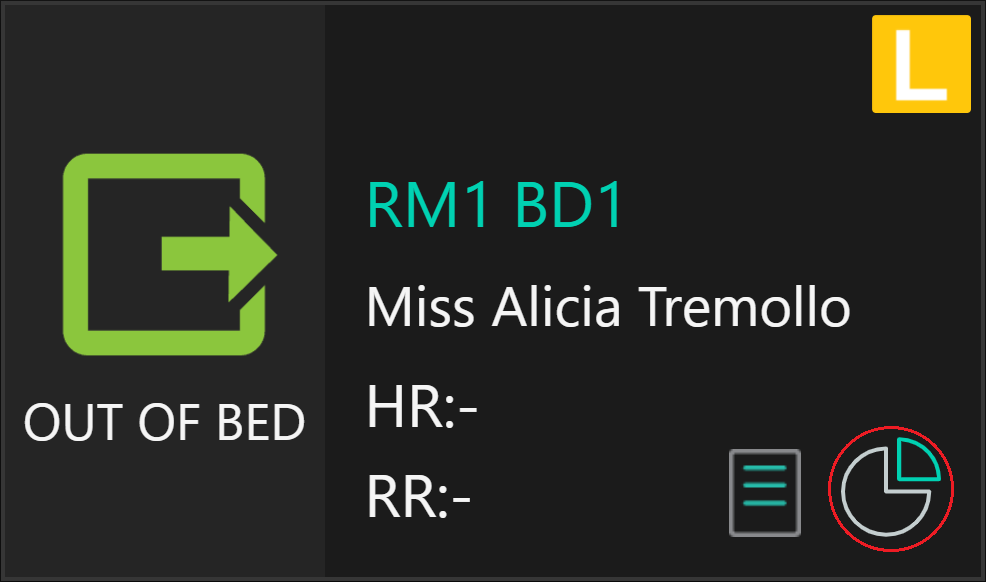
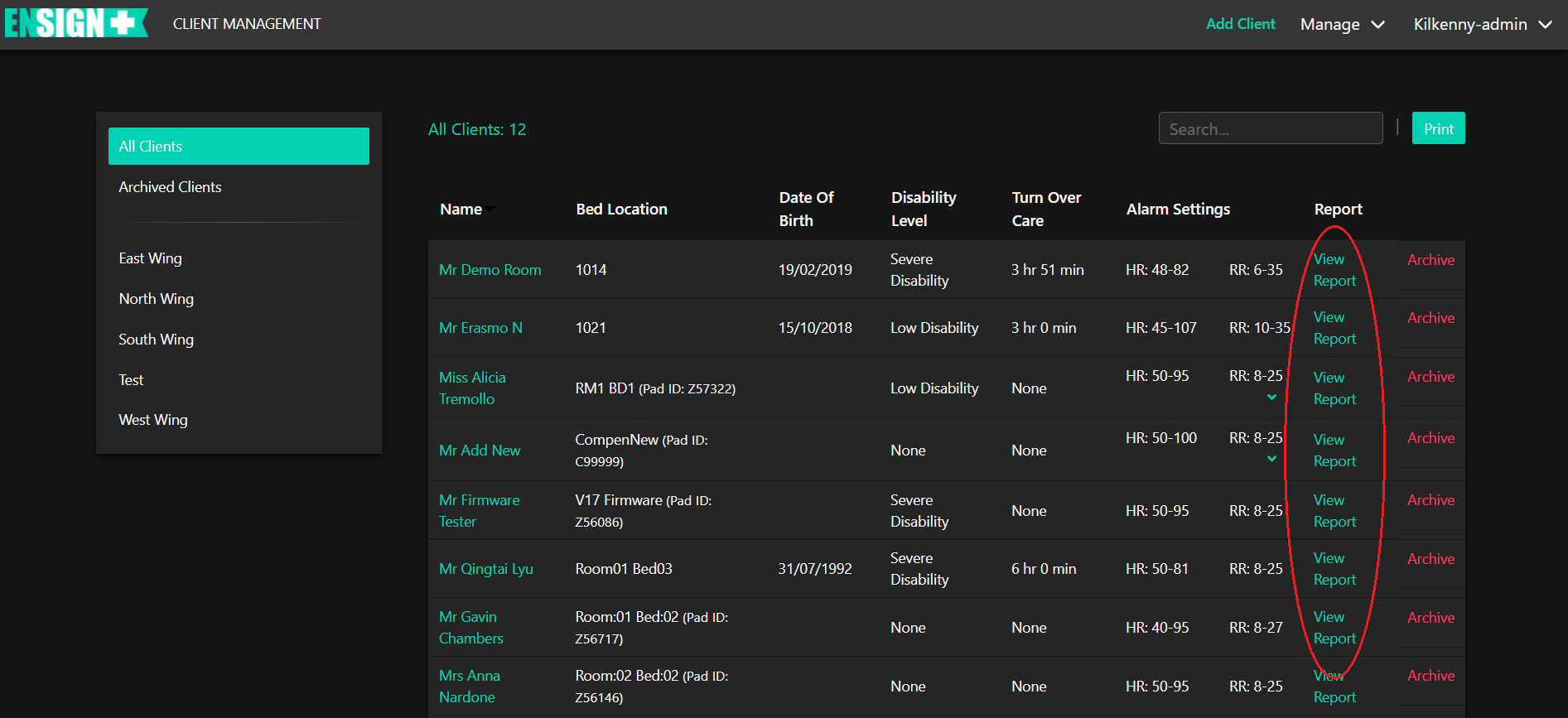
Client Report can be accessed from two locations, the Individual Client Card (ICC) or the Client List page.
Click on the icon in the bottom-right of the ICC to open the Client Report Page for that Client.
Users can also click on the View Report link (circled)in the Client List page to open the Client Report Page for that client.