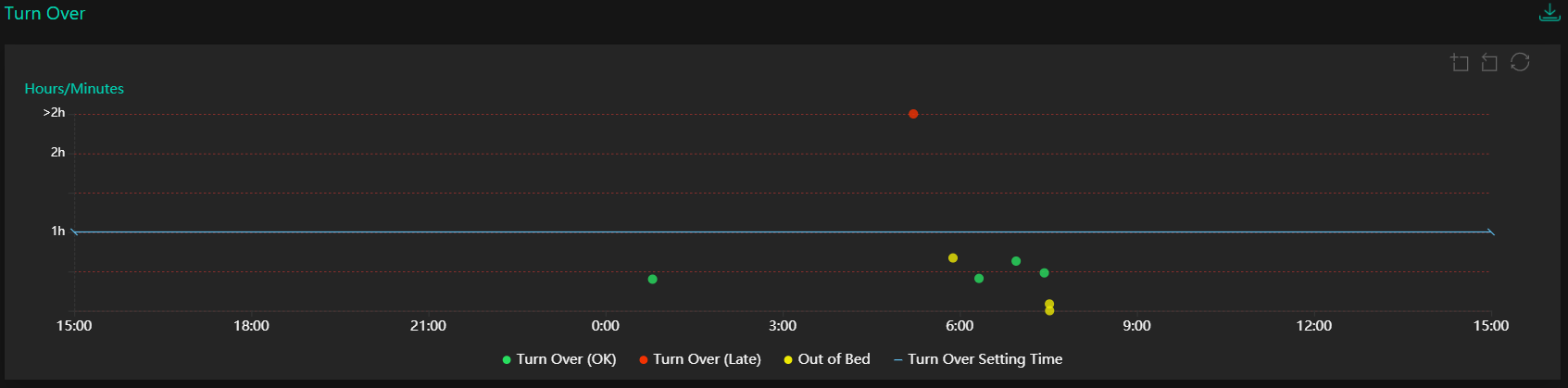
In the top right-hand corner of the graph there is also a Zoom In tool icon which allows the user to zoom into a specific area of the chart. Click on the Zoom In tool icon and then click and drag with the cursor on the area of interest.
To move back one step, click the Zoom Back tool icon.
To restore the normal view, click on the restore icon.
At the top right is this download icon. Click it for a printable PDF copy of this report.